Create-Your-Own Digital Escape Room projects are a fantastic way to engage advanced learners in a middle school ELA classroom.
If you’re already using our digital escape rooms in your classroom, then you have a great opportunity for gifted learning right at your fingertips. Our digital escape rooms are often based on specific topics or holidays. You can see some of our digital escape rooms by clicking on the links below.
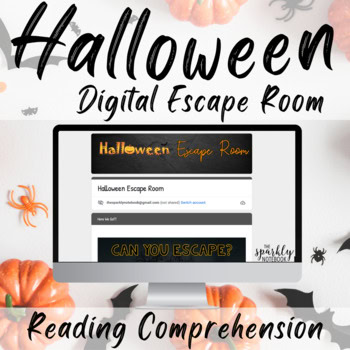
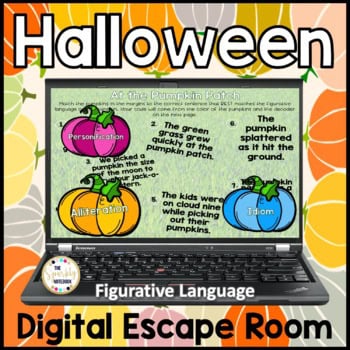

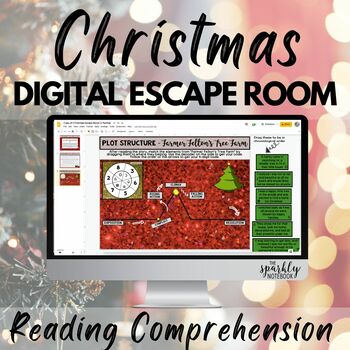
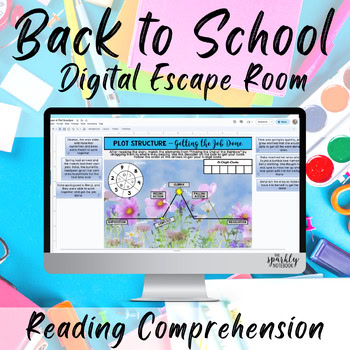
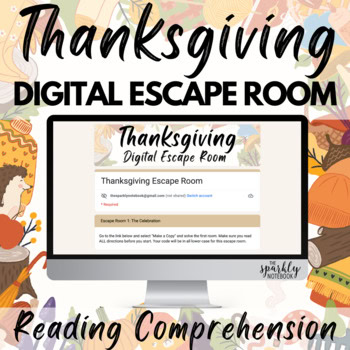
In addition to being fun activities to incorporate into your holiday lesson plans or to practice specific skills like reading comprehension or figurative language, you can also use our digital escape rooms as templates for your gifted learners to create something new.
In our blog post “Three Tips for Teaching Gifted Students in Middle School ELA,” we discussed various ways to engage advanced learners using resources and activities you already have planned for the classroom. This included using resources from the next grade level, asking students to use the same content to deliver a different product, and having students create the same product through a different lens.
When students create their own resource using your material or one of ours as a template, they are tasked with thinking through the project from a different perspective. This approach combines the first two strategies mentioned above.
We are asking students to work through the digital escape room just as we ask all other students to do. The difference is that they need to approach it as creators who will recreate the escape room using a different topic.
Students should pick out two escape rooms that they want to work through as a means of observing how escape rooms function and how they are structured.
During their first escape room, students will take notes on the types of questions they encounter and the tasks they are asked to complete.
In the second escape room, students will observe how the questions and activities differ or remain consistent based on the topic of the escape room.
Students will choose a topic that interests them for their digital escape room.
Encourage them to select a subject they enjoy discussing, but remind them that the audience for the escape room is their peers. They need to be sure that the questions and tasks they create are appropriate for their classmates’ knowledge base.
In this step, students will outline each level of their escape room.
Students can use Google Slides and a design platform like Canva to create their escape rooms.
Encourage them to be creative in their design. While they can model their levels after ours, they may also want to incorporate their own ideas.
It’s important for students to feel challenged, and working through obstacles can be a valuable learning experience. Remember, these are advanced learners who already understand the content and have observed how escape rooms function. They are well-prepared for these challenges.
This step focuses on giving and receiving feedback appropriately. Have a few students navigate the peer-created digital escape rooms. After completing the escape room or each level, they should provide feedback to the creator with the goal of enhancing the escape room.
Take the time to discuss with both the peer reviewer and the creator the best practices for giving and receiving feedback.
Talk about the difference between critical feedback and constructive feedback aimed at helping someone improve. Additionally, discuss with the creator how to accept feedback without taking it too personally.
Learning to give and receive feedback gracefully is an important skill for students to develop.
Having students create their own digital escape room is a way for them to think through an activity from a different perspective. This project will challenge advanced learners to think like teachers while also allowing them to engage with a topic that excites them.
By incorporating tools like Google Slides and Canva, as well as requiring them to give and receive feedback on their projects and those of their peers, students will develop a variety of skills while also demonstrating mastery of concepts like reading comprehension and figurative language.
Check out some of our additional blog posts about teaching gifted learners in your middle school ELA classroom.