

Enjoy this end-of-year digital escape room project with your middle school class. This is a perfect review project to help students test what they’ve learned, take on the challenge of creating something new, and come up with something fun that the class can enjoy together.
By the time testing is over and the end of the year is in sight, keeping students engaged can feel like a challenge. So you have to come up with something that is:
This end-of-year digital escape room project checks every box.
Instead of assigning another review packet, students take on the role of creators as they design their own digital escape rooms. They will produce an entire slide-based project complete with questions, clues, and interactive elements built in tools like Google Slides or PowerPoint.
If you’ve used the Digital Escape Rooms featured in posts like Engaging BTS DIGITAL Escape Rooms for ELA or 15+ Educational Digital Escape Rooms for Middle School ELA, this project uses the students experience with those escape rooms to design their own!
In this project, students work in small groups to design their own digital escape room using Google Slides or PowerPoint.
In addition, the escape room will also be…
By the end of the end-of-year digital escape room project, your classroom becomes a collection of student-designed review experiences.
Start by explaining the goal: Students will create an escape room that teaches or reviews a specific ELA skill.
To keep things fair and varied, have groups randomly draw a skill. We’ve included a list of suggested skills below. These are suggested based on their presence in the standards for middle school ELA.
These skills connect directly to the standards you’ve likely been working through all year.
Before students jump into creating slides, students will need a plan.
Each group should spend some time mapping out the theme of their room, three challenges, the questions and answers for each challenge, and how each correct answer leads to the next part of the escape room. This will begin as a fully laid out plan that students will execute over the next couple days.
Encourage them to think like both a teacher and a designer:
Limiting students to three challenges ensures they focus on depth, clarity, and strong question design rather than rushing through too many ideas.
Now students begin creating their escape rooms using Google Slides or PowerPoint.
To work on students use of digital media and technology (another standard skill), require them to use specific digital elements. We’ve given some suggestions below.
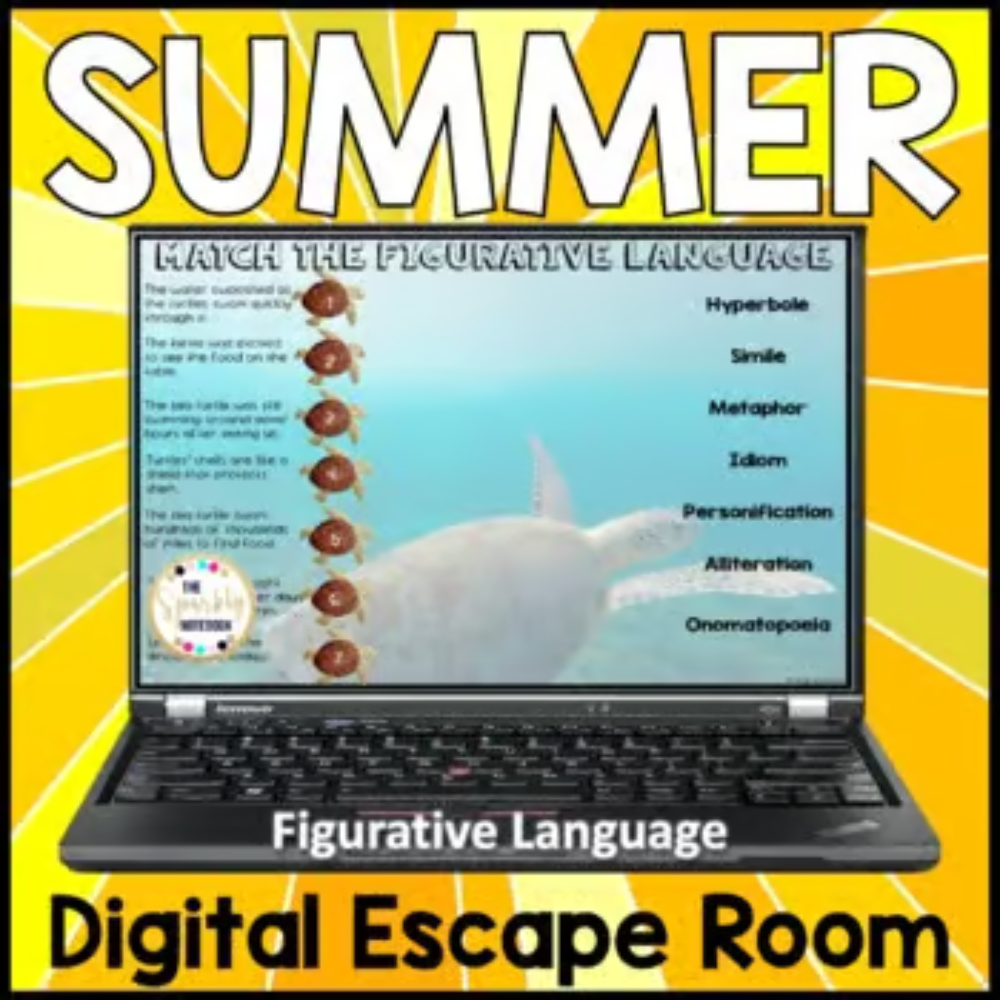
If your students have experienced any of our pre-made Digital Escape Rooms throughout the year, whether for figurative language, reading comprehension, or seasonal review, they will already have a clear model to guide their work.


Before presenting, groups should test each other’s escape rooms and fully edit them. A good editing project requires strong critique and a focus on not just the grammar and punctuation of the project, but also the playability, the use of tech, and a general review of the expectations of the project.
Have students:
This is what we’ve been waiting for!!! It’s time to play!
Set up your classroom so students rotate through different escape rooms.
Have fun with it!
This end-of-year digital escape room project works because it shifts students from passive learners to active creators.
Instead of answering questions, they are: writing questions, designing challenges, thinking critically about content, and applying skills in a meaningful way.
Since we are limiting the number of challenges, students can focus on intentional design and strong content, which leads to deeper learning.
This reflects the larger goal of building mastery!
At the end of the year, it can be tempting to slow down.
But this is actually one of the best opportunities to let students take ownership of their learning.
This project allows students to review important skills, build something meaningful, collaborate with peers, and stay engaged.
By the time they’re done with this end-of-year digital escape room project, your classroom won’t just be finishing the year. It will be full of student-created experiences that reflect everything they’ve learned.
And that is a powerful way to end the year.